Connect ChatGPT
One link, one sign-in. It stays connected until you disconnect it in Settings.
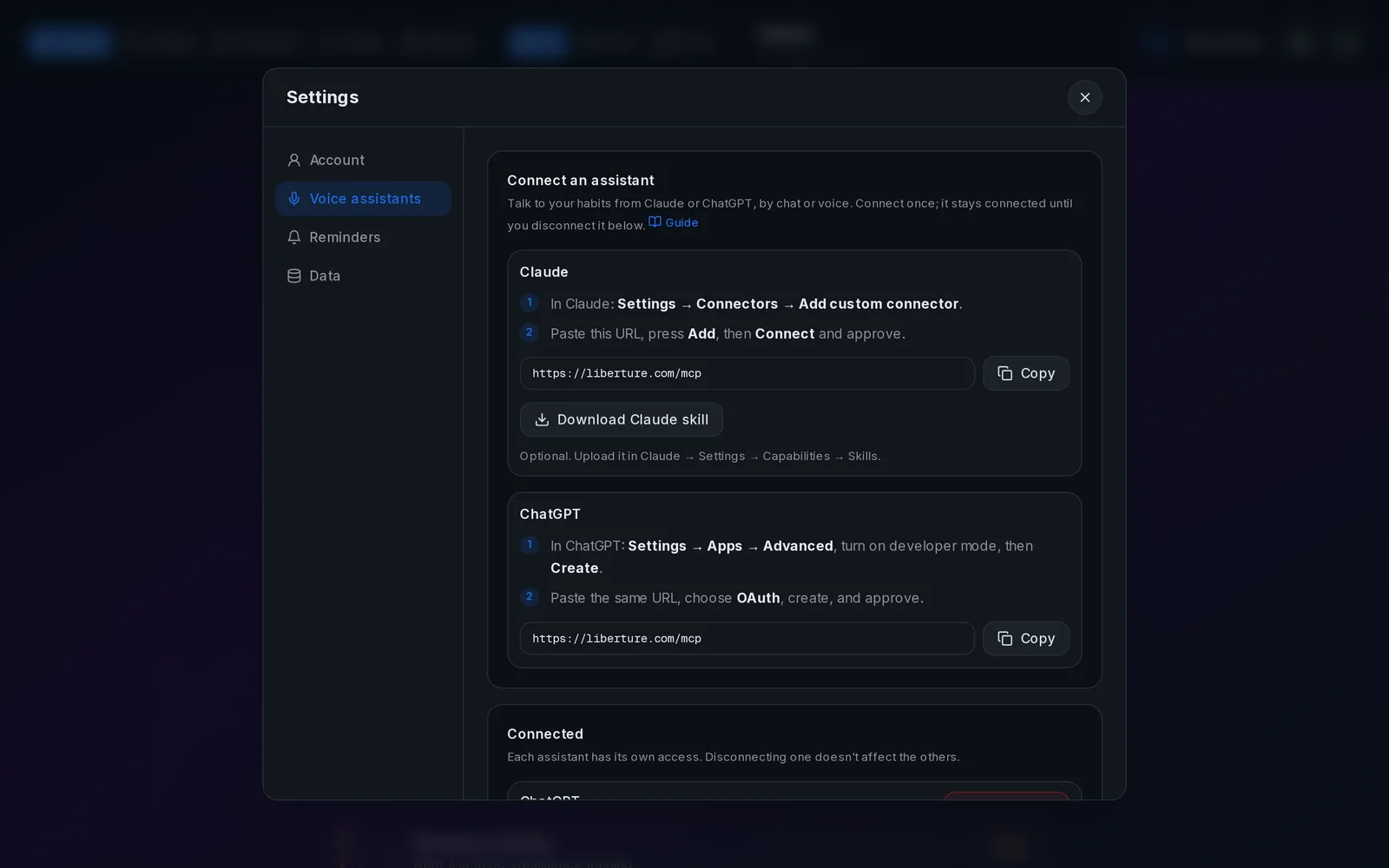
Setup in three steps
- 1
Turn on developer mode
In ChatGPT: Settings → Apps → Advanced, turn on developer mode, then press Create.
- 2
Paste the URL
Name it "Liberture", paste the URL below, choose OAuth, and create.
Connector URLhttps://www.liberture.com/mcp
- 3
Sign in and approve
ChatGPT opens Liberture: sign in, press Approve. Then enable it from a chat's tools menu.
If something fails
- It asks me to sign in again
- You disconnected it in Settings, or signed in with a different account. Sign in and approve again.
- 403 scope_disabled
- You switched that permission off in Settings → Voice assistants. The assistant should tell you which one.
- It asks for confirmation every time
- Choose Always allow when ChatGPT asks about an action.